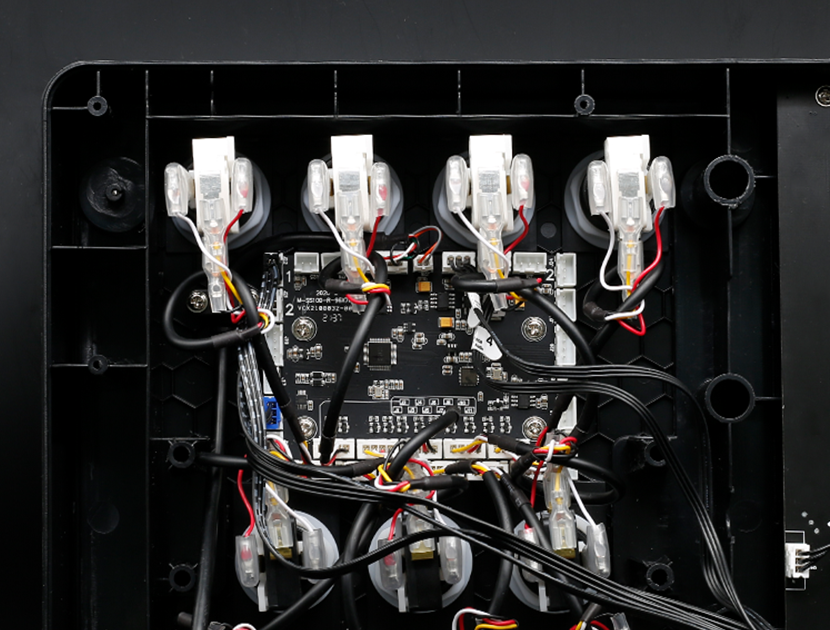
PHOENIXWAN PCB upgrade kit replacement method
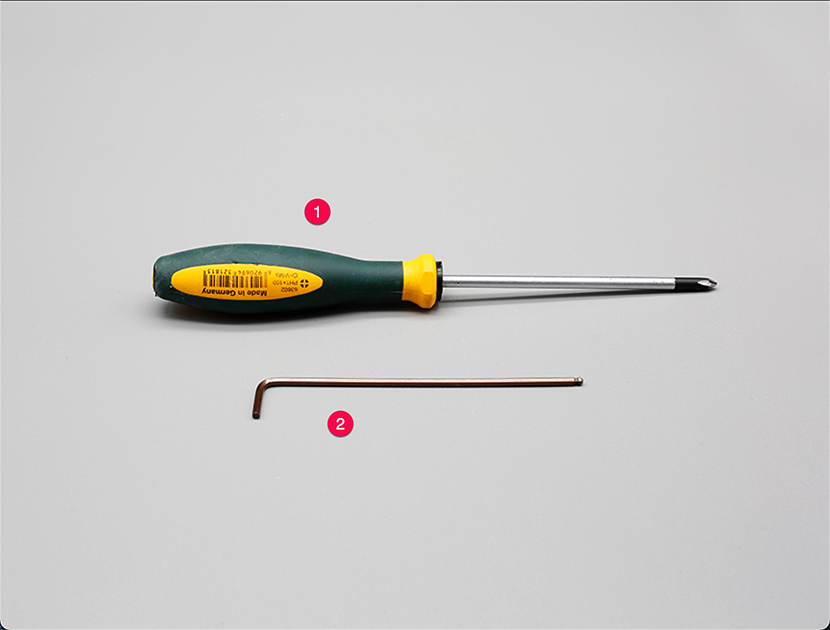
Prepare tools
①Phillips screwdriver;②2.5mm Hexagon screwdriver (wrench).
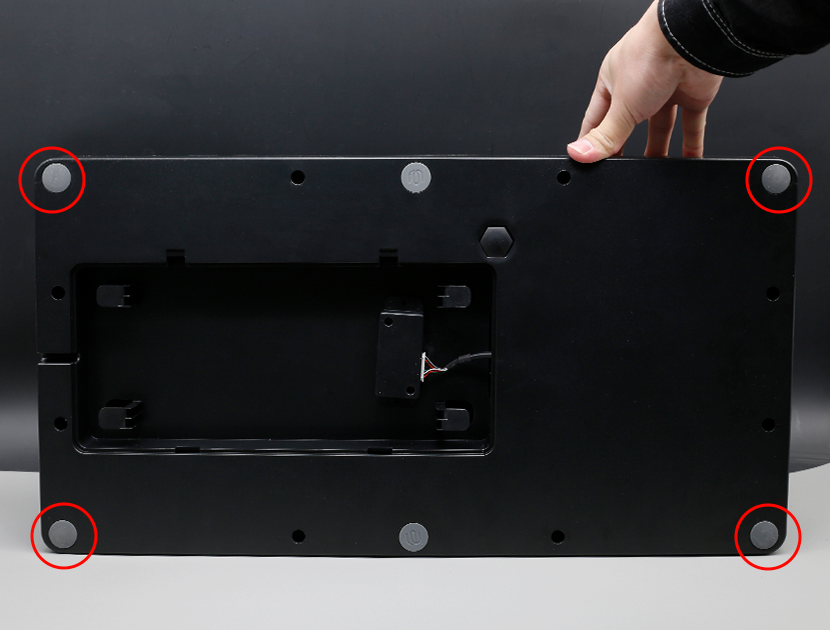
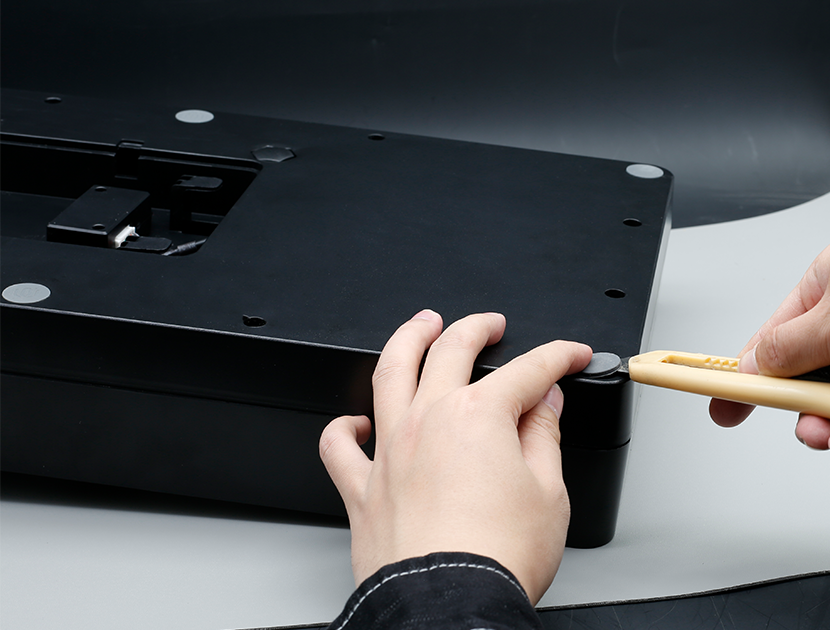
Pry off the four corner pads
Pry off the four corner pads.
Remove the screws securing the housing
Remove the screws securing the housing.
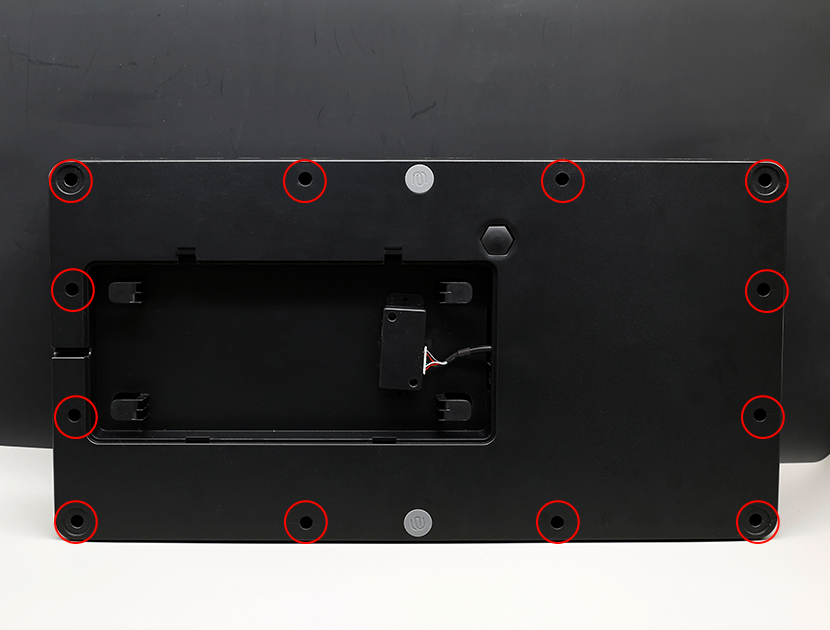
Separate the frame
Separate the frame.
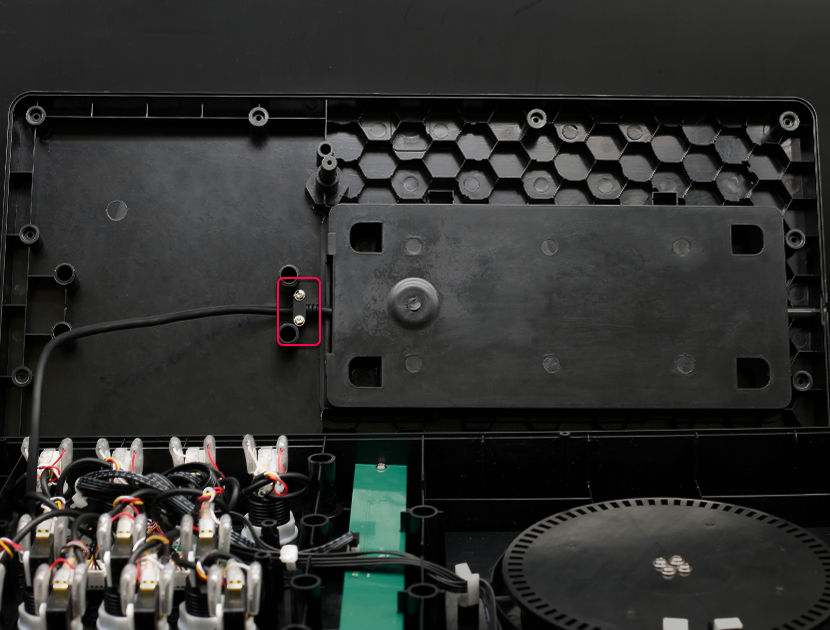
Remove the clips securing the cables
Remove the clips securing the cables.
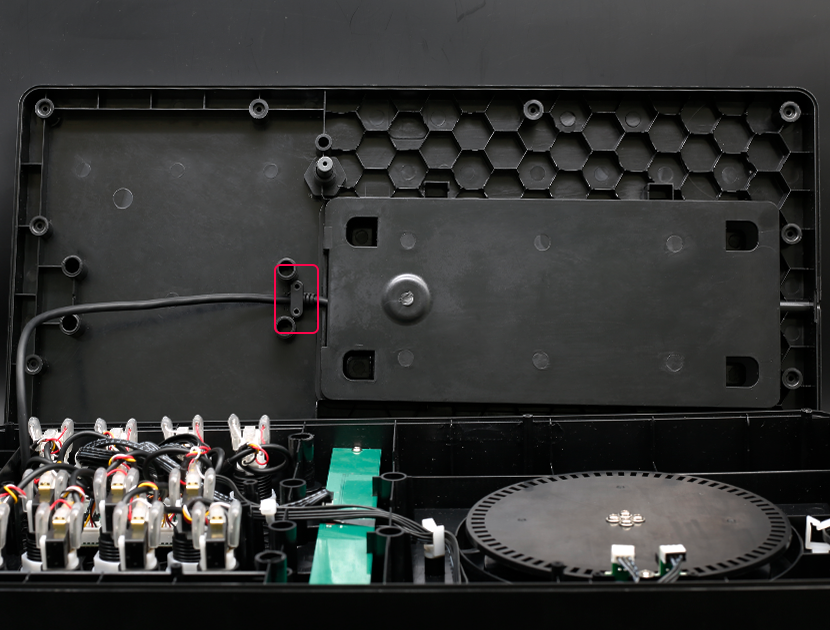
Remove the key panel
Remove the key panel.
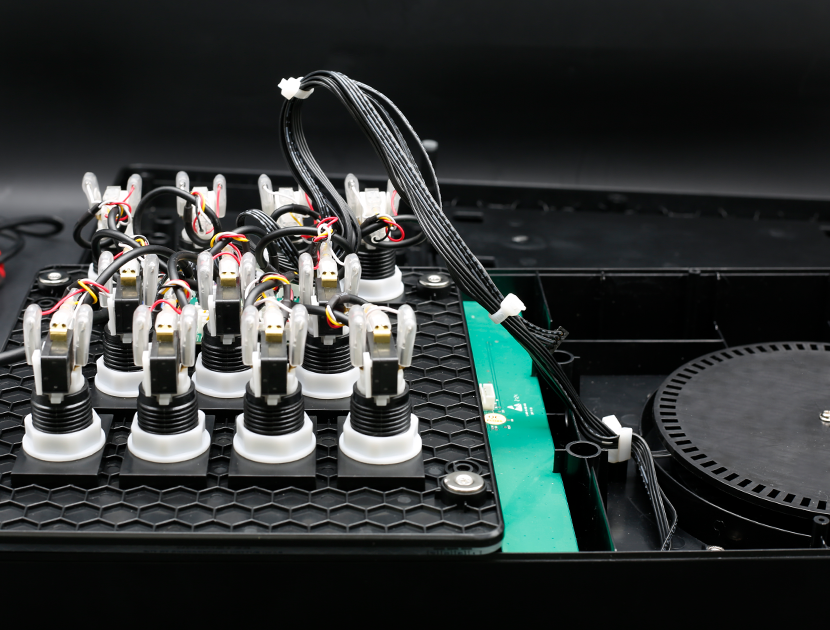
Unplug all the plugs on the motherboard
Unplug all the plugs on the motherboard.
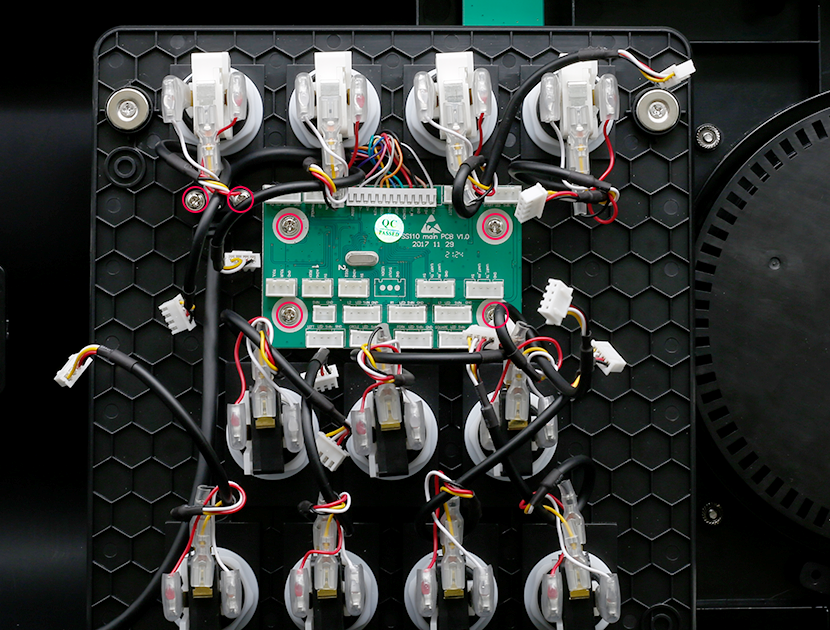
Remove the screws securing the motherboard
Remove the screws securing the motherboard.
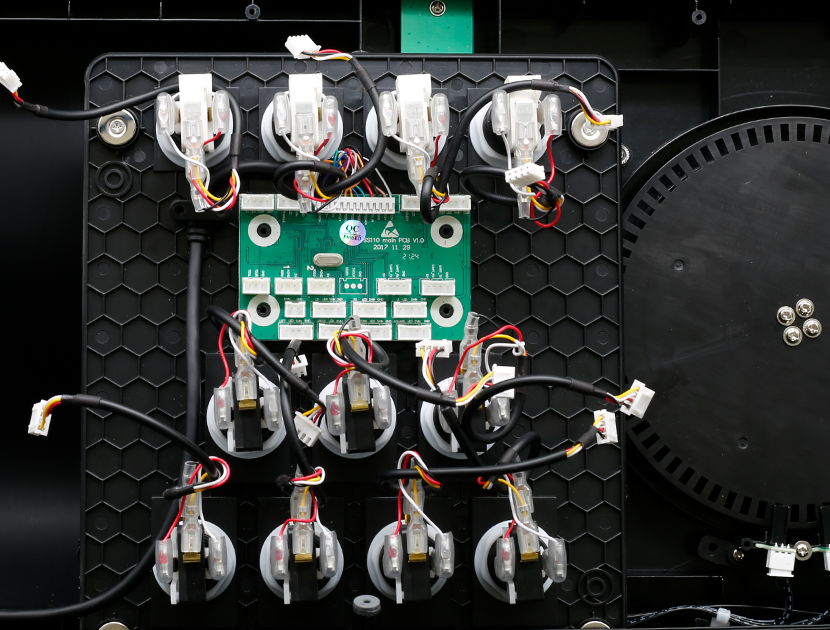
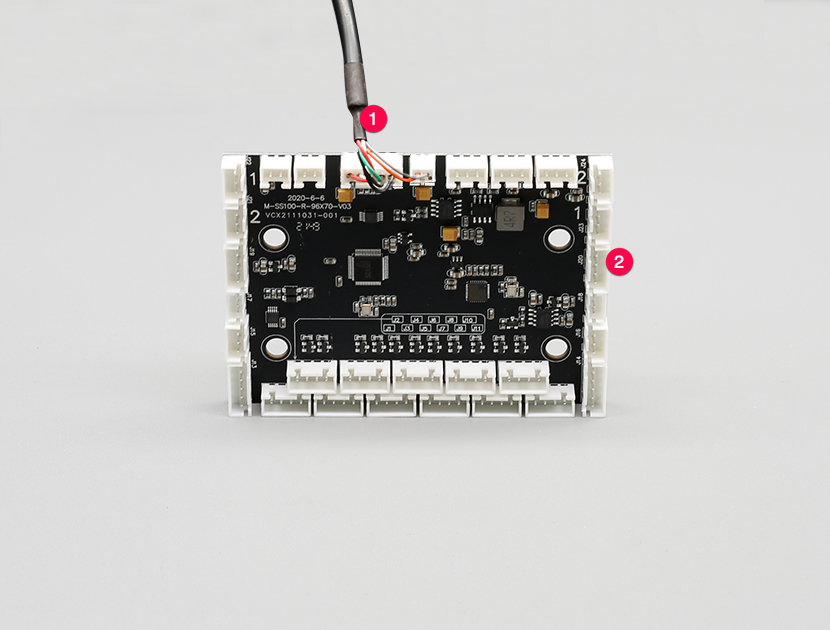
Prepare a new motherboard
Prepare a new motherboard, ① power cable, ② new motherboard.
Fasten the new motherboard to the frame
Fasten the new motherboard to the frame.
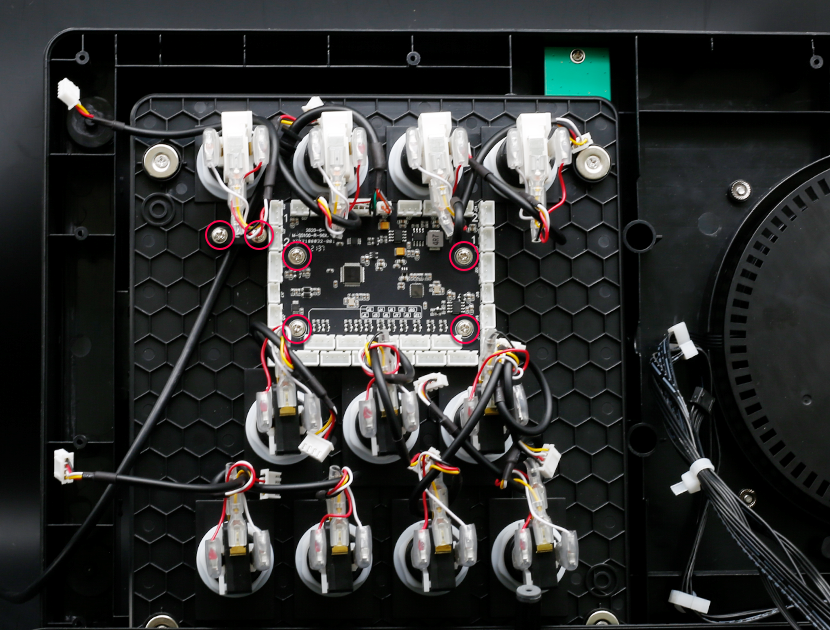
Fix the motherboard with screws
Fix the motherboard with screws.
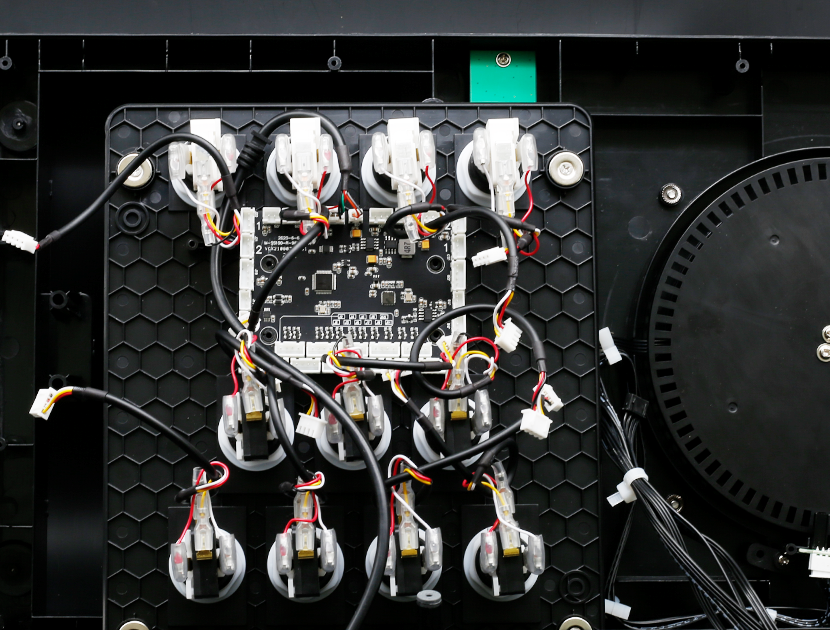
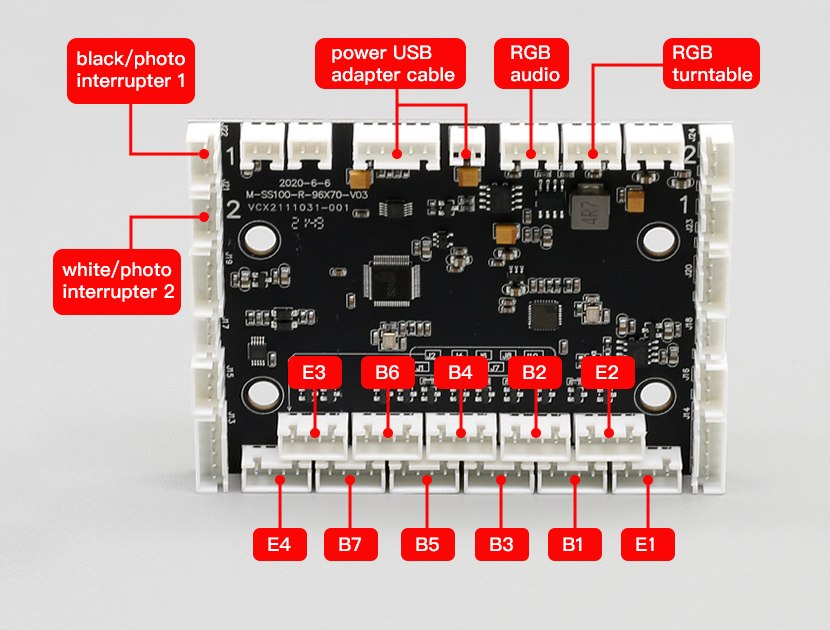
Connect the wiring to the motherboard
Connect the wiring to the corresponding position of the main board according to the following figure.
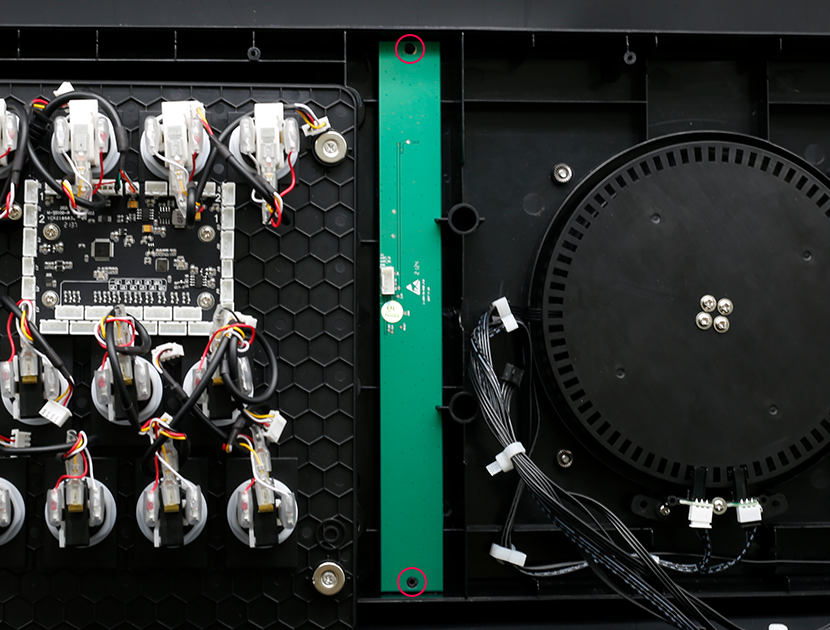
Remove the screws securing the audio light
Remove the screws securing the audio light.
Replace the audio light
Remove the old audio light and replace it with a new audio light and fix it.
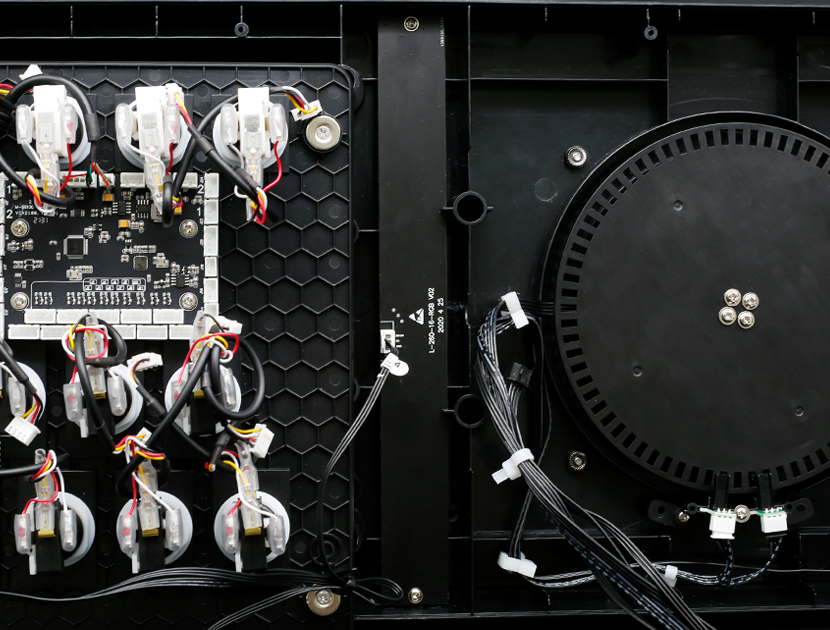
Connect motherboard and audio light
Please use the "4" wire harness (3pin) to connect the motherboard and the audio light.
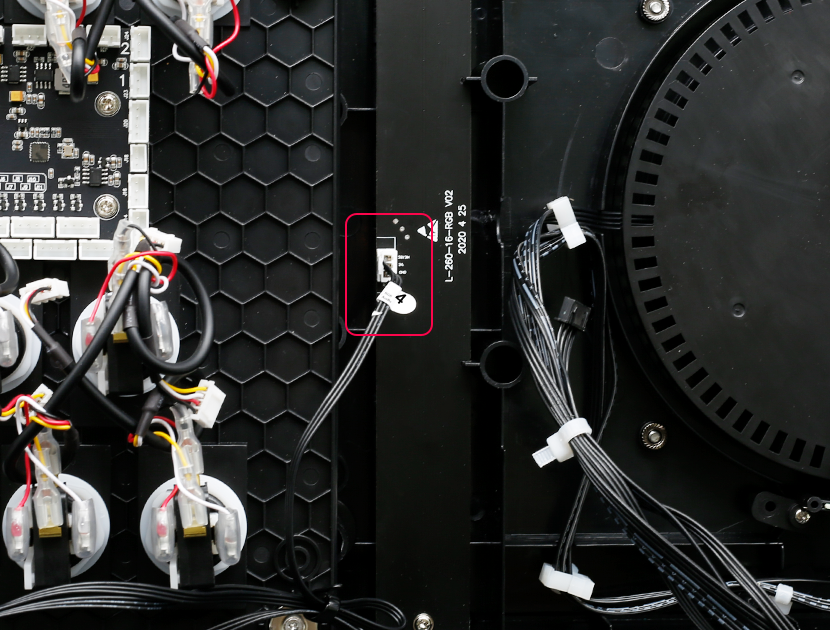
Remove the gear plate
Remove the gear plate.
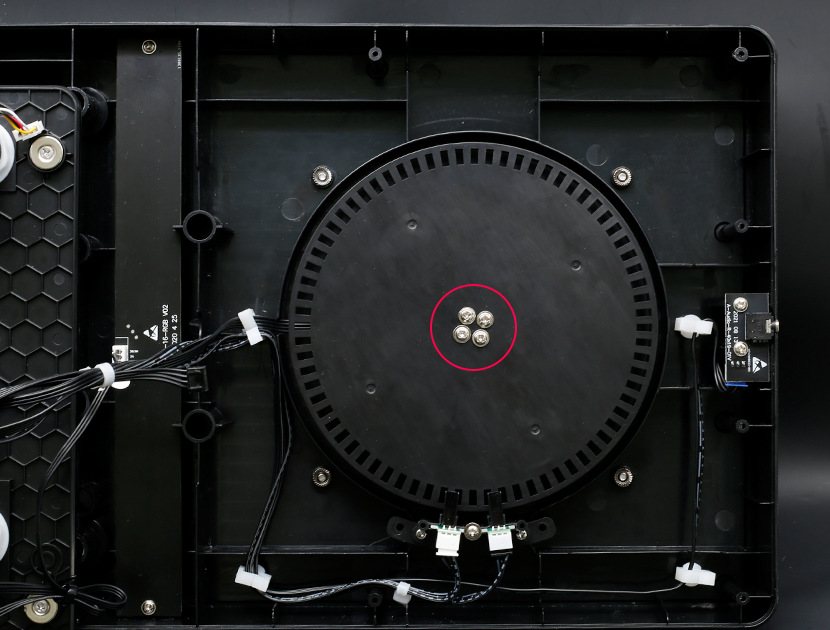
Unplug the ring light
Unplug the ring light.
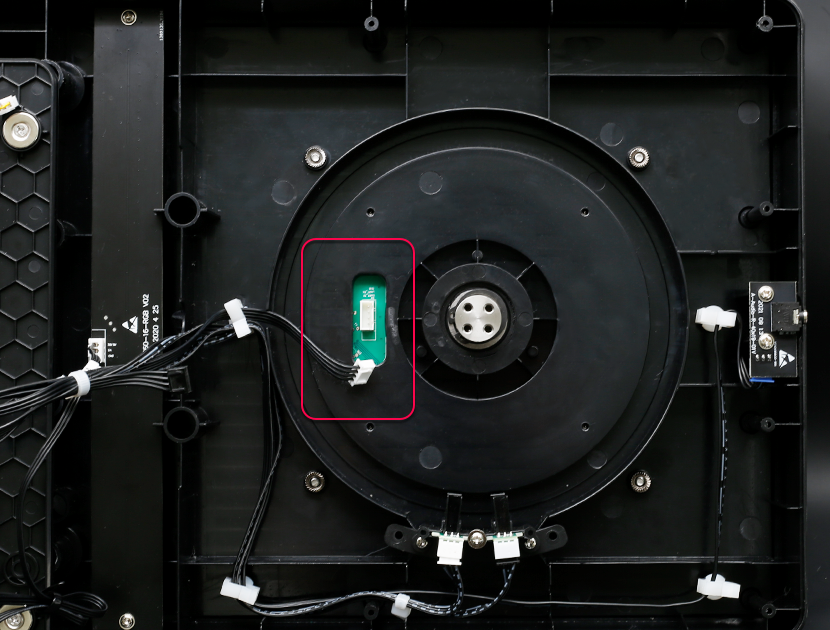
Remove the turntable sticker
Remove the turntable sticker.
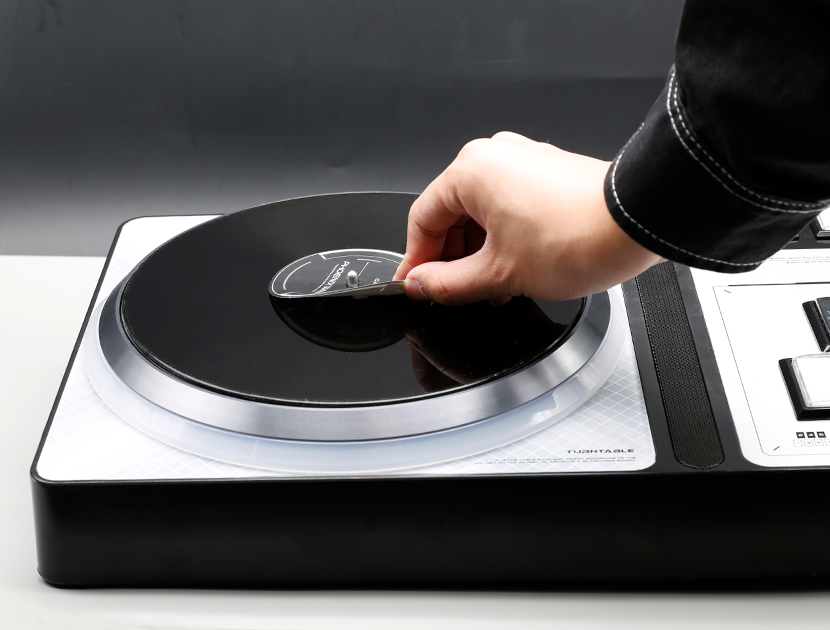
Remove the screws securing the turntable
Remove the screws securing the turntable.
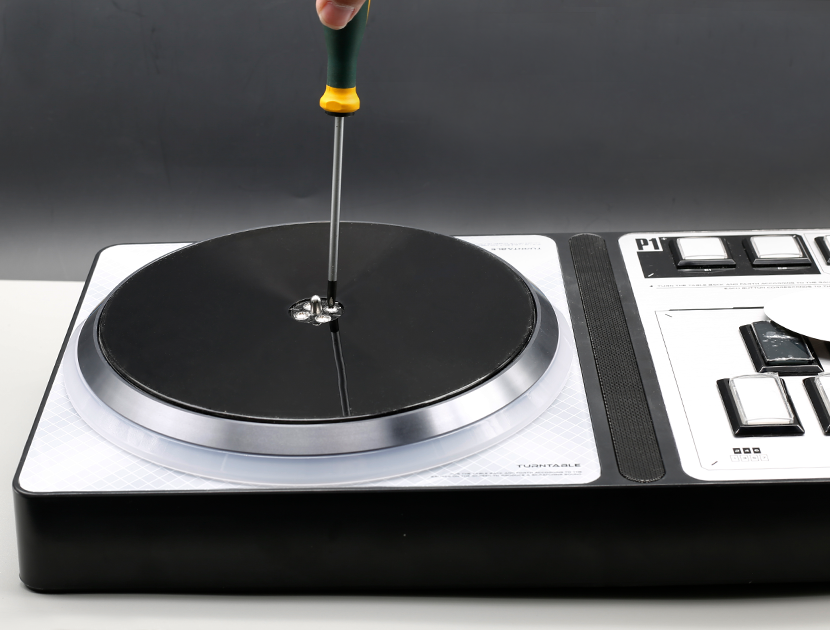
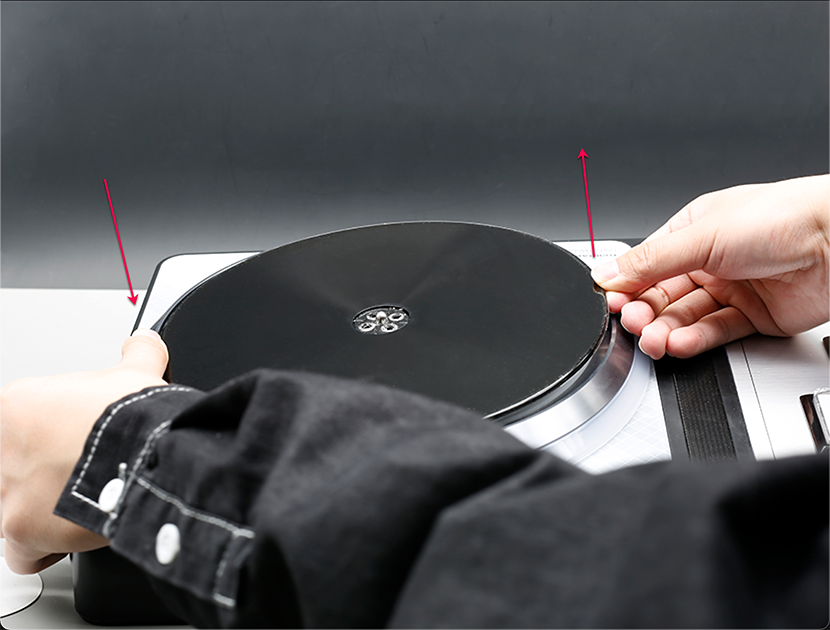
Lift the turntable out
Press down on one side of the turntable with one hand to lift the other side, while the other hand lifts the turntable out of the raised part.
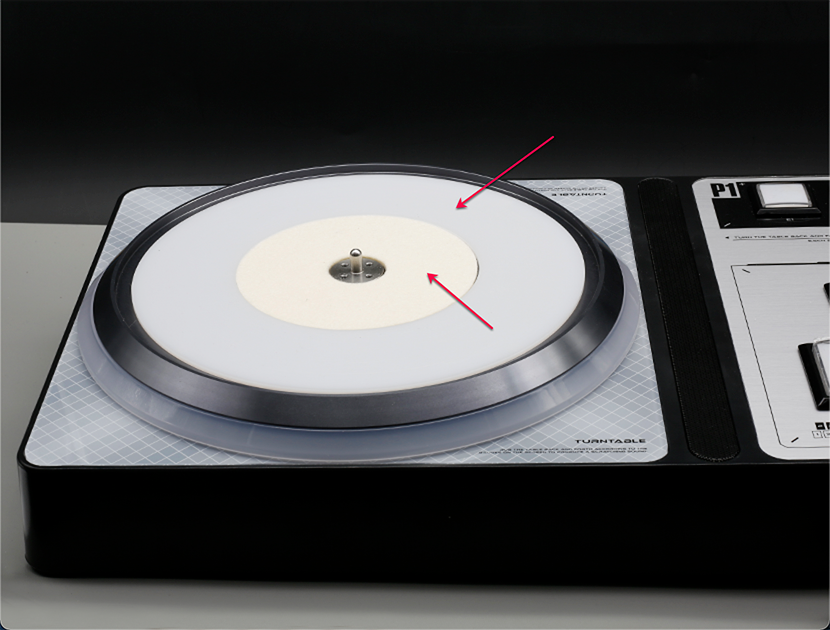
Take out the felt and washer
Take out the felt and washer.
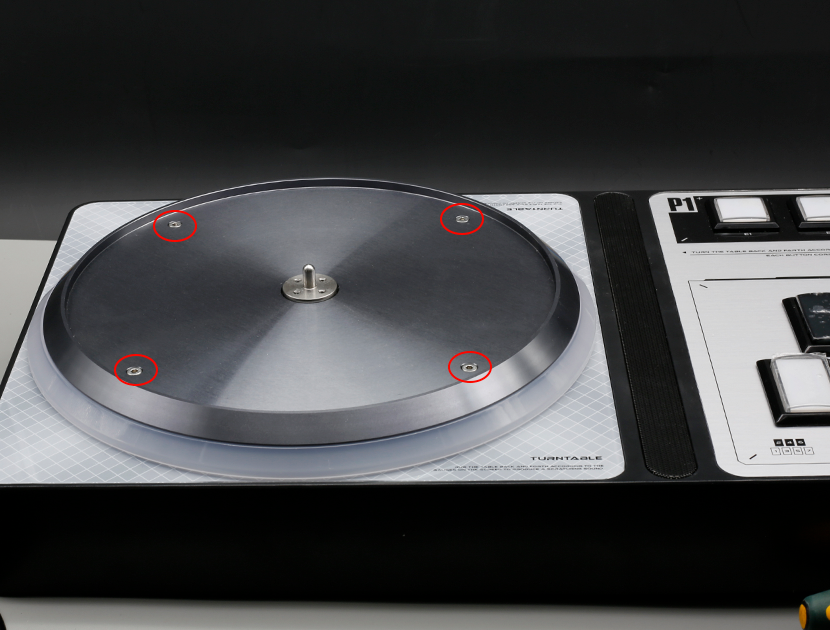
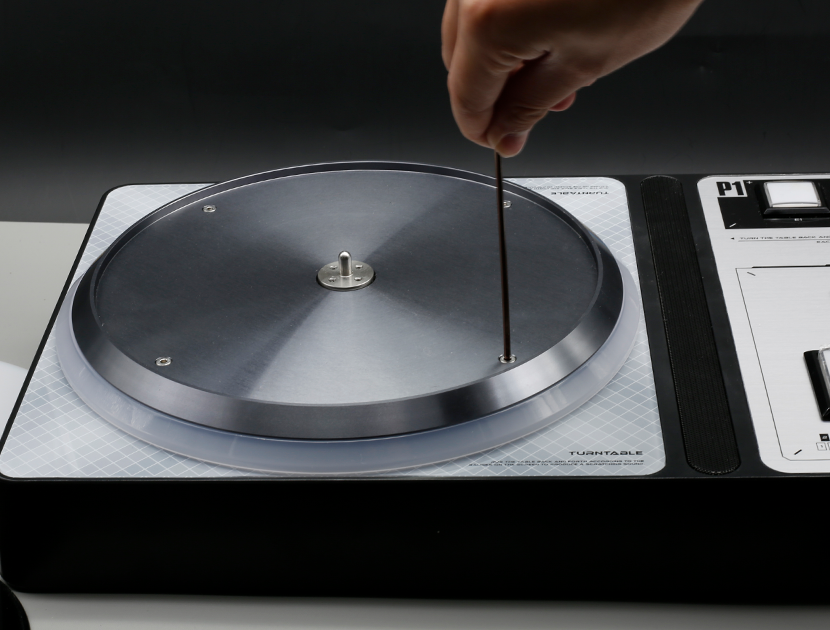
Remove the screw fixing the aluminum plate
Use a 2.5mm hexagon wrench to remove the screw fixing the aluminum plate. Please pay attention to the nut with the fixing screw inside. When removing, please hold down the nut to prevent loss.
Use a hex wrench
Use a hex wrench.
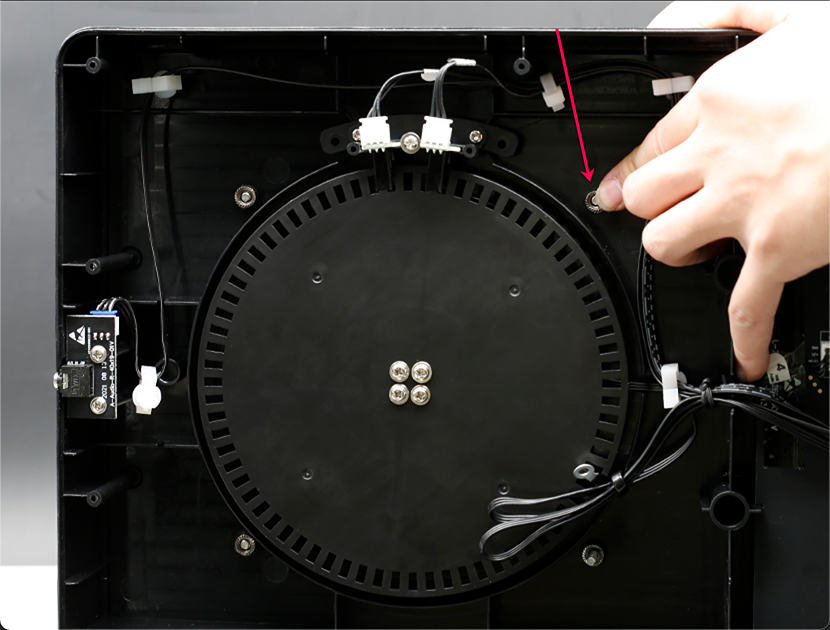
Hold down the fixed nut
Hold down the fixed nut.
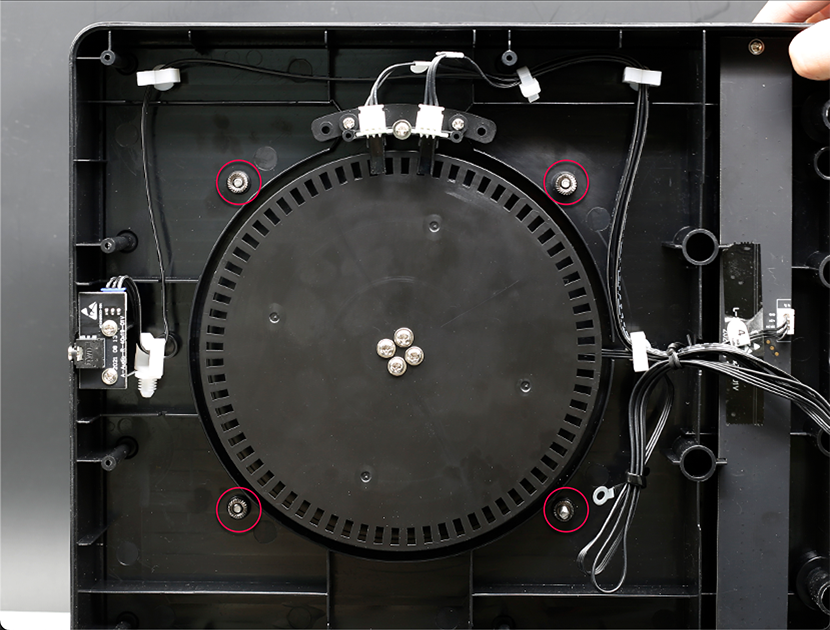
Remove the turntable part in its entirety
The turntable part can be removed in its entirety after removing the screws and nuts.
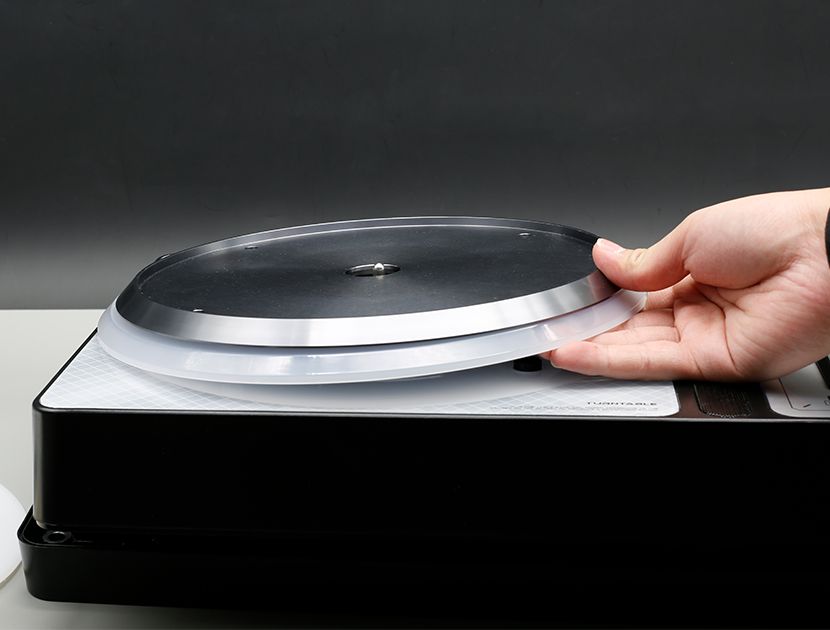
Remove the turntable part
Remove the turntable part.
Remove the screws and remove the silver plate
Remove the screws and remove the silver plate.
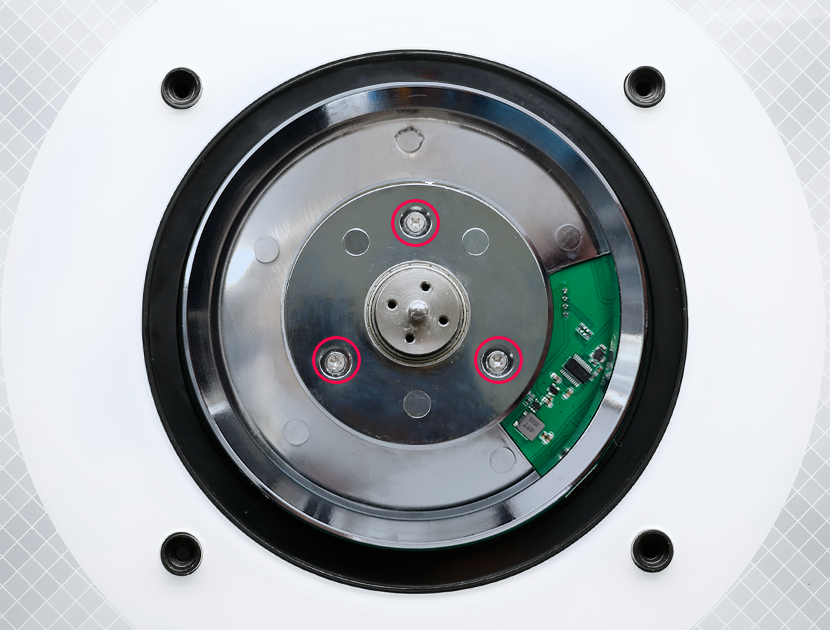
Remove the screws and remove the old ring light
Remove the screws and remove the old ring light.
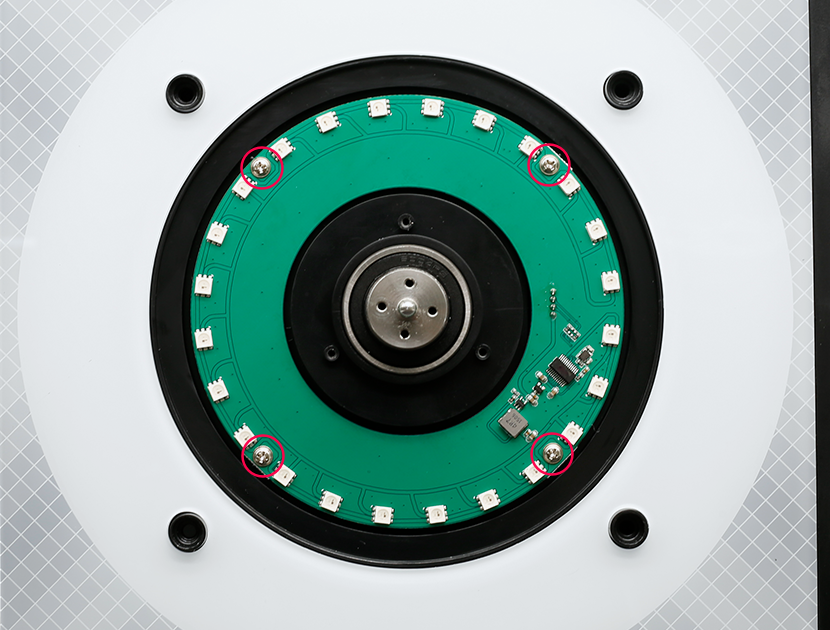
Put on a new ring light and fix it
Put on a new ring light and fix it.
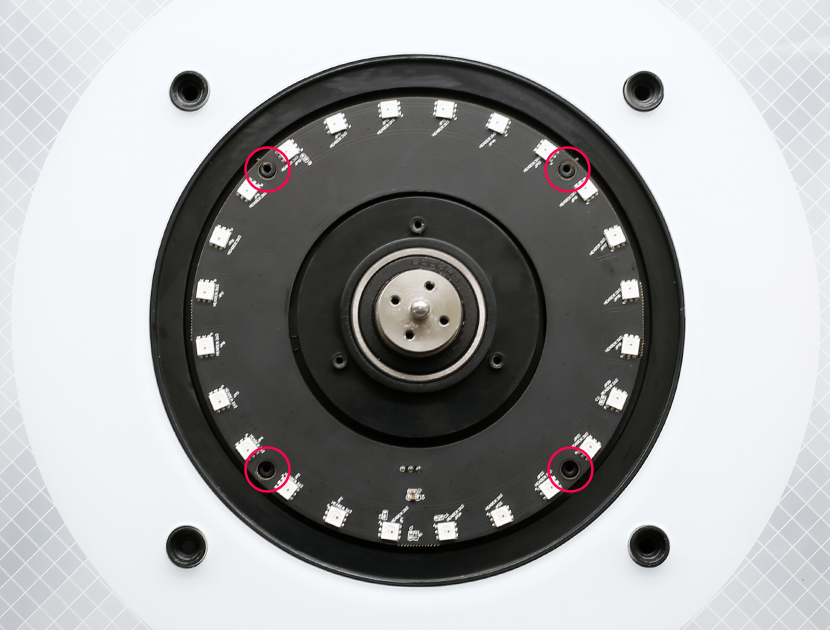
Reinstall and secure the silver disc
Reinstall and secure the silver disc.
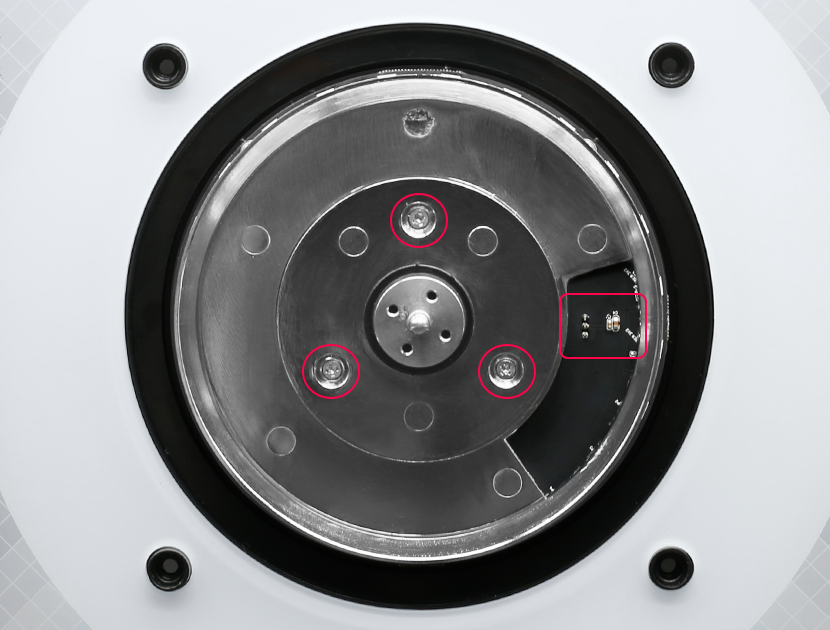
Connect the ring light harness
Connect the ring light harness (wire 3) to the ring light.
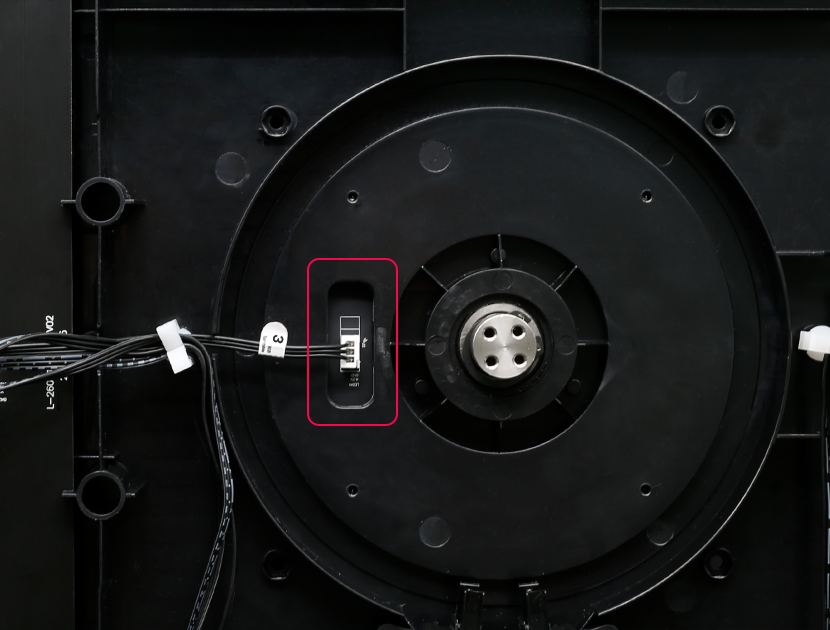
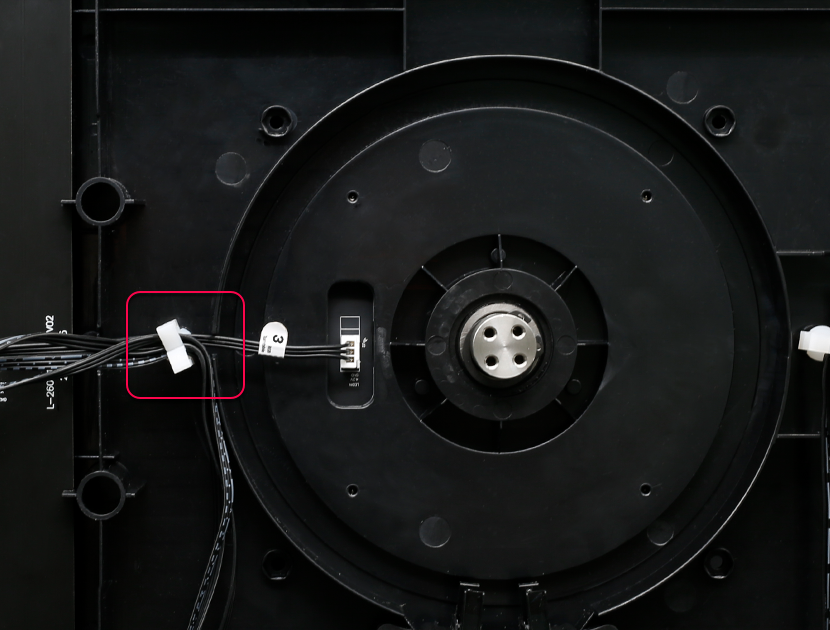
Press the 3-wire in the lower position of the clip
Note that the 3-wire should be pressed in the lower position of the clip to avoid the gear touching.
Reinstall and secure the gear plate
Reinstall and secure the gear plate.
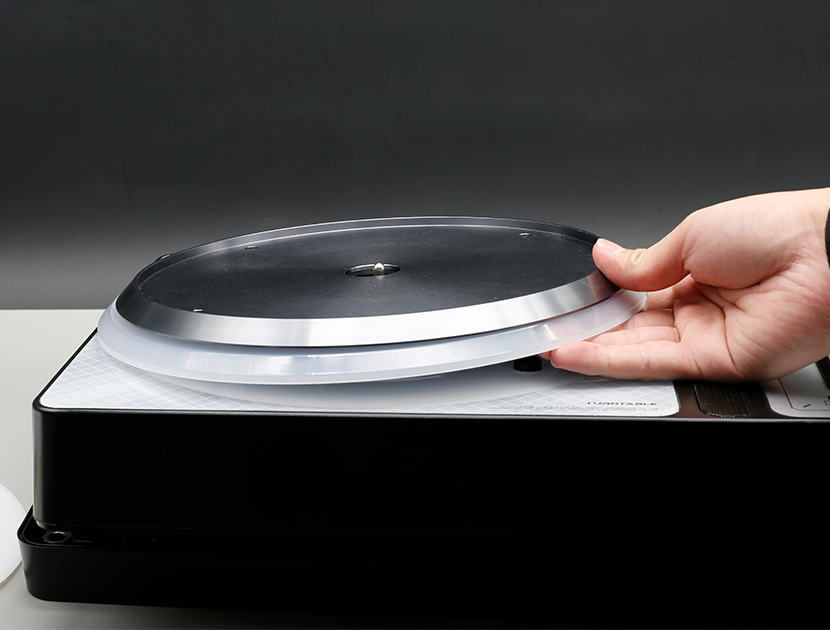
Put the light guide ring and aluminum plate back in place
Put the light guide ring and aluminum plate back in place.
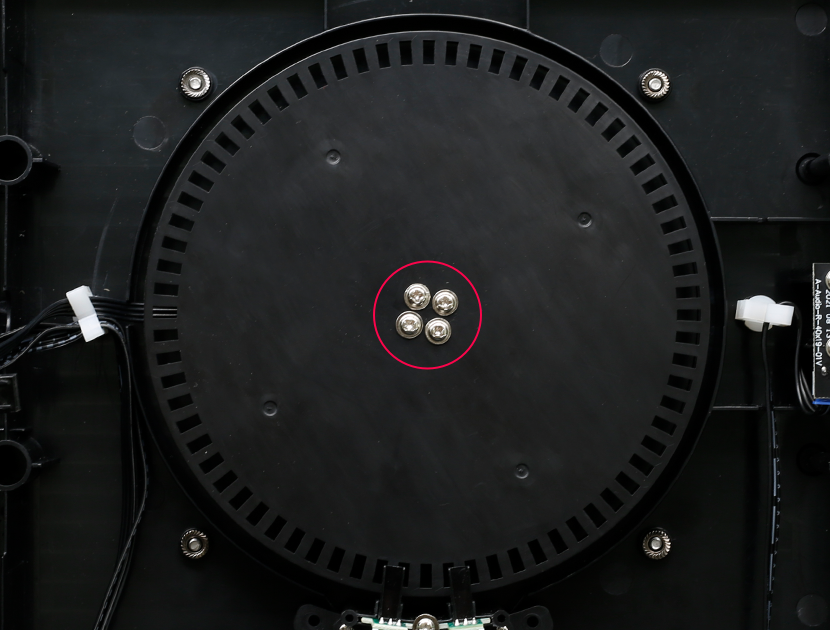
Tighten the screws and nuts that fix the aluminum plate
Tighten the screws and nuts that fix the aluminum plate. (After inserting the nut into the fixed position, hold down the nut and tighten the screw.)
Put the felt and washer back in place
Put the felt and washer back in place, being careful not to overlap.
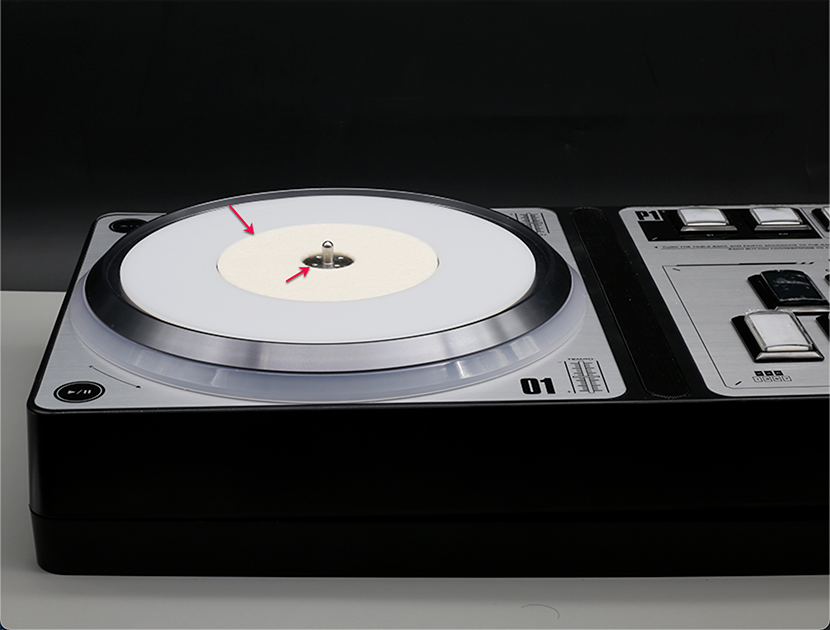
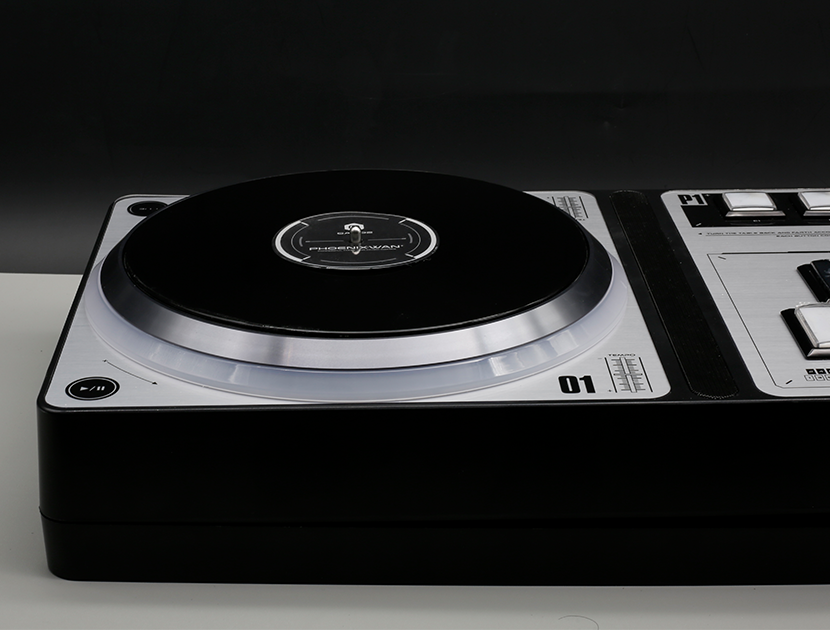
Put the turntable back in place and tighten the screws
Put the turntable back in place and tighten the screws.
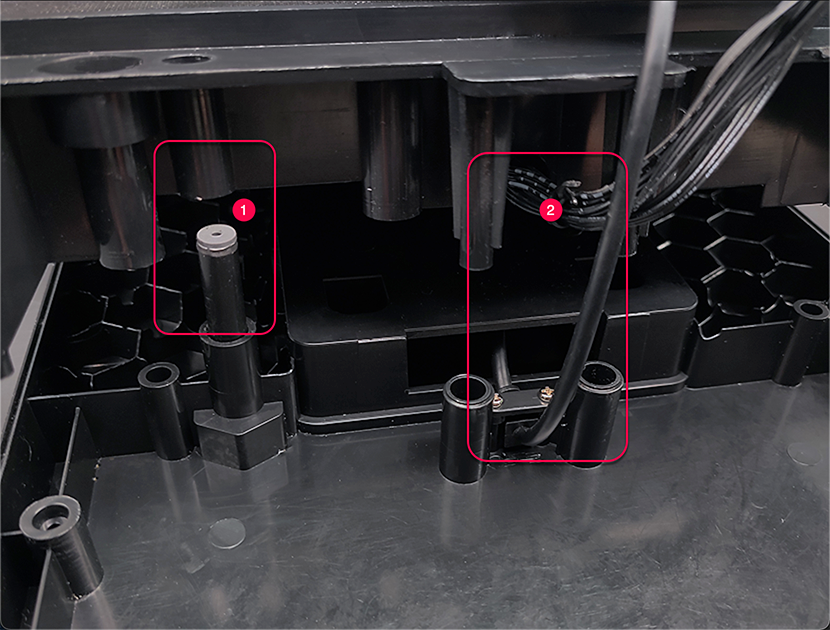
Fit the upper and lower shells together
First remove the button panel, align the ① and confirm that the wire at ② will not be stuck, and then fit the upper and lower shells together.
Replace the retaining screws and attach the pads
Replace the retaining screws on the back and attach the pads to the four corners.
Prepare the Power Adapter Box
Prepare the Power Adapter Box.
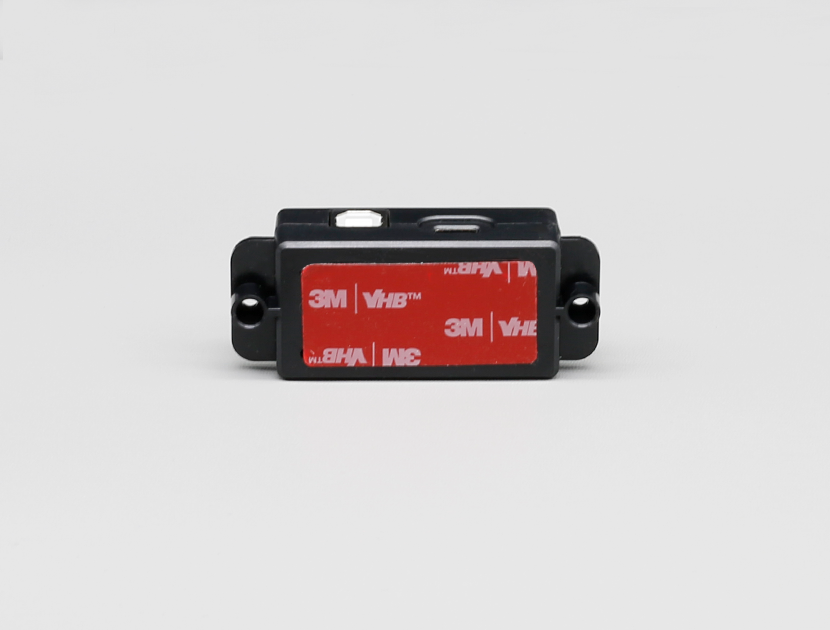
Install the adapter
After tearing off the double-sided tape, install the adapter in a suitable position according to the length of the wiring.
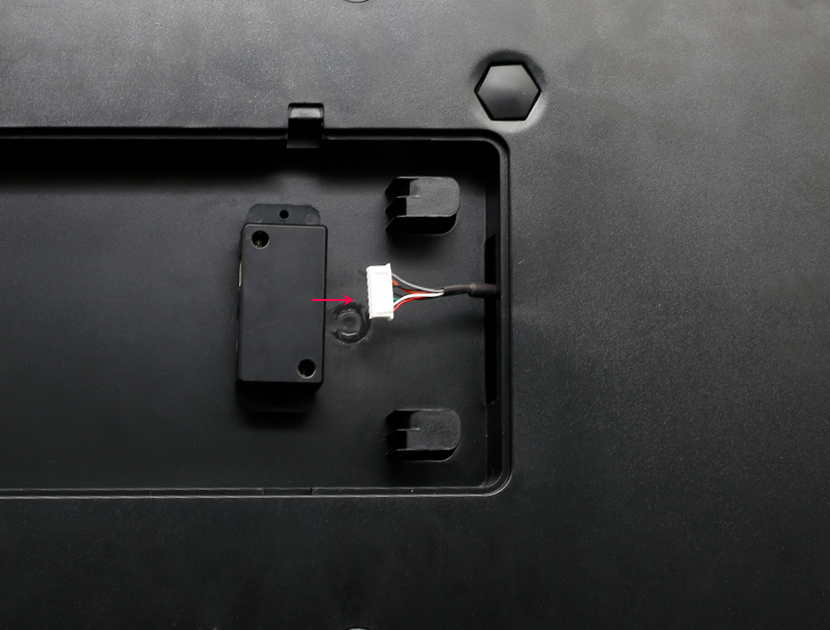
Connect the power plug to the adapter
Connect the power plug to the adapter.
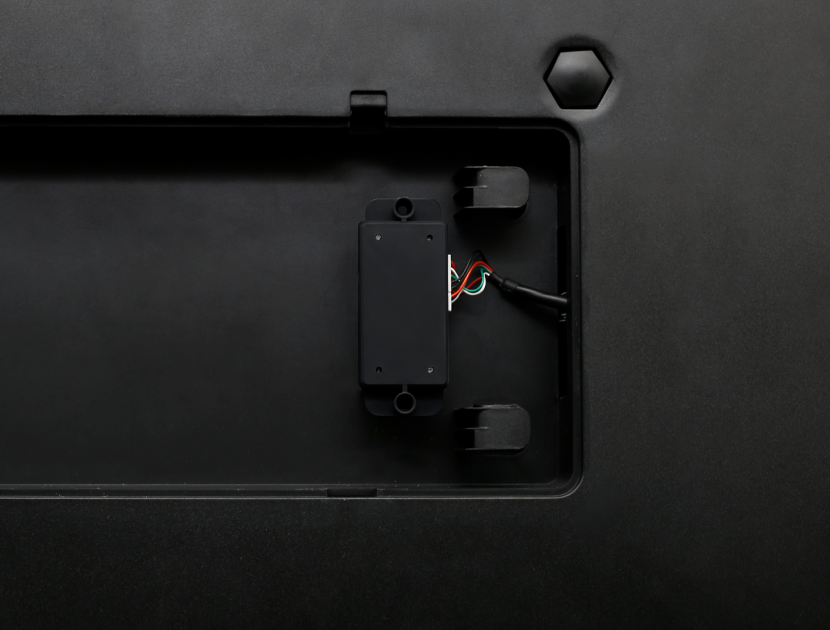
Mainboard wiring status after all replacements
After all the replacements are completed, the mainboard wiring status.