GITALLER firmware update Guide 20201013
Download firmware
Please fully uncompress the file before use. Do not run it directly from the archive.
Firmware upgrade tutorial
Uncompress the firmware archive
Uncompress the downloaded firmware archive to a local folder.
Confirm USB is unplugged
Confirm your GITALLER USB cable is unplugged from PC.
Enter firmware upgrade mode
Push START + SELECT buttons at the same time, do not release. Plug GITALLER USB cable to PC with your other hand. Then release the START + SELECT buttons.


Open firmware upgrade program
Open
GITALLER_firmware_APP.exe.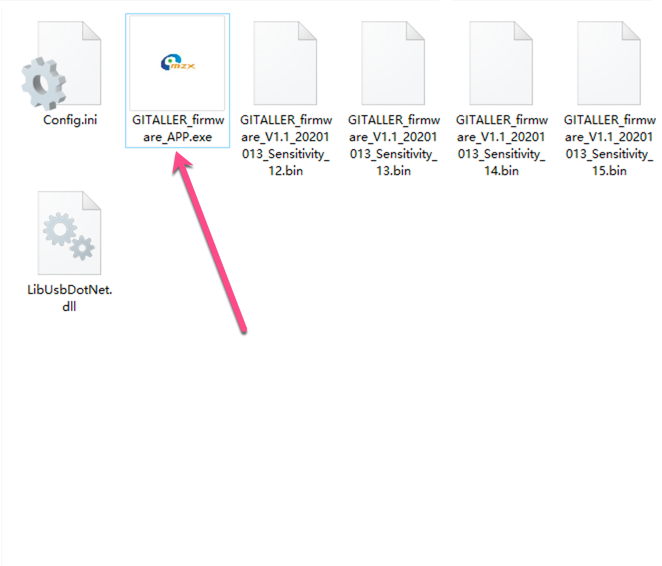
Load firmware file
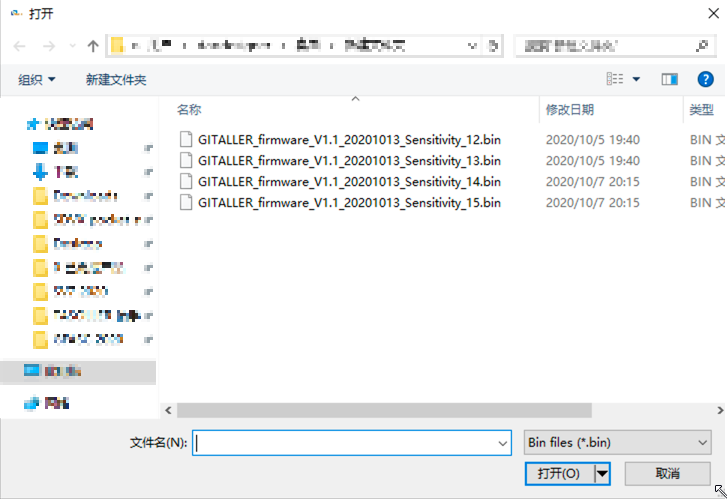
Click the LoadFile button, find your downloaded firmware folder, select
GITALLER_firmware_V1.1_20201013_Sensitivity_14.bin.The suffix Sensitivity_12 means lower sensitivity, Sensitivity_15 means higher sensitivity. We recommend Sensitivity_14 firmware.

Start upgrade
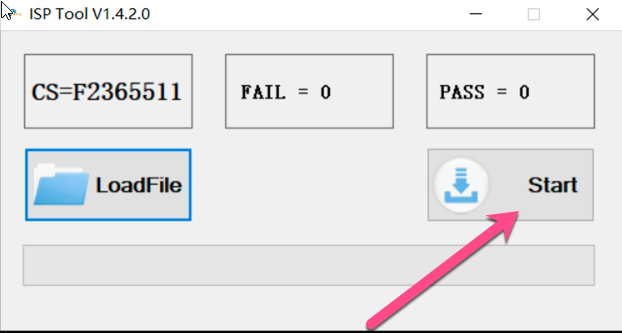
Click the Start button to begin updating. Wait for the progress bar to complete.

Upgrade complete
After success, replug your GITALLER USB cable (very important).
 warning
If not successful, please retry from step 3.
Problems solved
- Cleared the misfire problem when you pick up or pick down
- Provides 4 sensitivity firmwares for wailing
Button configuration reference
GITADORA trial settings
In GITADORA trial, the first button shows as 0, wailing_up shows as 10, wailing_down shows as 11.

DTXmania settings
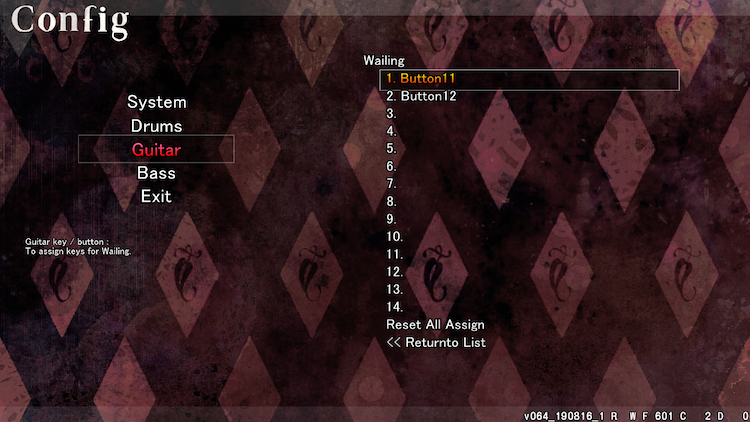
In DTXmania, the first button shows as 1, wailing_up shows as 11, wailing_down shows as 12.